
This is the print version of this page. All content is copyright Indezine.com 2000-2026.
Learn how to create your own picture bullets in PowerPoint 2011 for Mac. Coordinated picture bullets can make your branding stand out.
Author: Geetesh Bajaj
Product/Version: PowerPoint 2011 for Mac
OS: Mac OS X
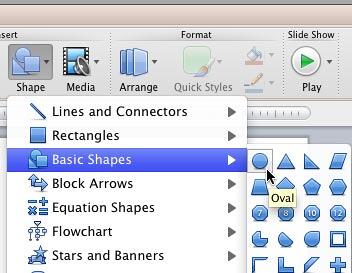
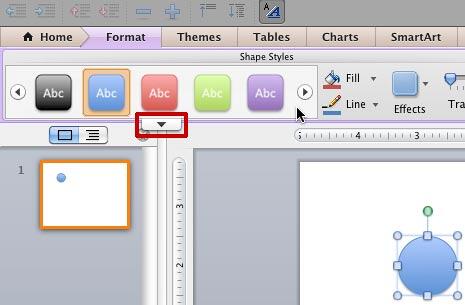
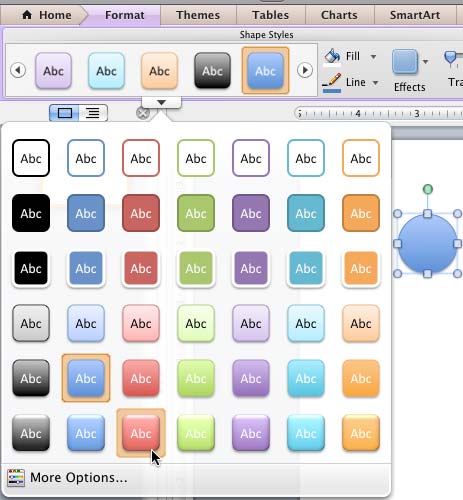
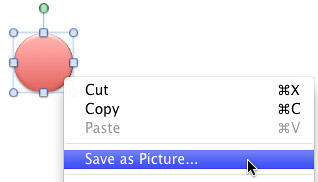
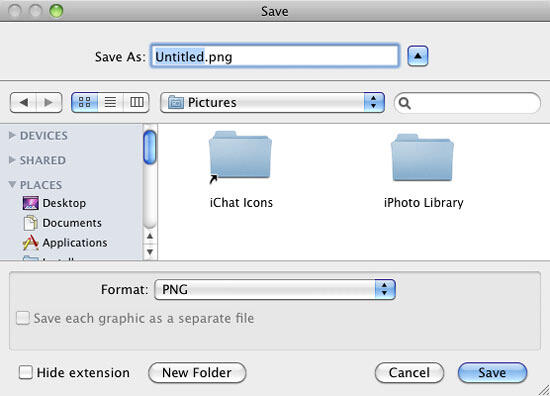
You have already learned about how to use a picture as a bullet. Other than using the preset picture bullets offered by PowerPoint 2011 for Mac, you can also create your own picture bullets to use in presentations, and these can be created right within PowerPoint! Follow these steps to learn how to create your own bullets in PowerPoint:
See Also:
Create Your Own Picture Bullets in PowerPoint 2016 for Windows
Create Your Own Picture Bullets in PowerPoint 2013 for Windows
Create Your Own Picture Bullets in PowerPoint 2010 for Windows
You May Also Like: Hypersay Pro Accounts and More: Conversation with Paul Balogh | Passover PowerPoint Templates



Microsoft and the Office logo are trademarks or registered trademarks of Microsoft Corporation in the United States and/or other countries.
