
This is the print version of this page. All content is copyright Indezine.com 2000-2026.
Explore AKVIS Retoucher AI 13, a Photoshop plug-in that intelligently restores old photographs.
Author: Geetesh Bajaj
Product/Version: PowerPoint
AKVIS provides a range of AI powered photo editing applications that make complex image enhancement tasks straightforward. Whether the goal is restoration, refinement, or creative styling, their tools deliver efficient, high quality outcomes with minimal manual work.
AKVIS Retoucher AI 13 is designed to make photo restoration and object removal significantly easier and more accurate. The plug in uses AI powered algorithms to repair damaged areas, eliminate unwanted elements, and seamlessly reconstruct missing details in old or imperfect photos. Instead of manually cloning or patching sections, Retoucher analyzes surrounding textures and intelligently fills gaps, helping you restore images, remove distractions, and enhance overall visual quality with far less effort. You can read our review of their previous version here.
AKVIS develops a range of graphic software tools, including Retoucher AI 13, which is designed to simplify the restoration and cleanup of older or damaged photos. The company also offers an extensive collection of Photoshop plug ins such as as Pastel, OilPoint, AirBrush, Sketch, Neon, Refocus, SmartMask AI, Chameleon, MultiBrush, Enhancer, Decorator, Inspire AI, etc.
You can download a free 10-day trial version of Retoucher AI 13 from the AKVIS site.
Our point of contact for this review was Kat Kharina from AKVIS, and we appreciate her support.
After installing Retoucher AI 13, you can proceed with the following steps, or simply read along for a quick, guided overview.
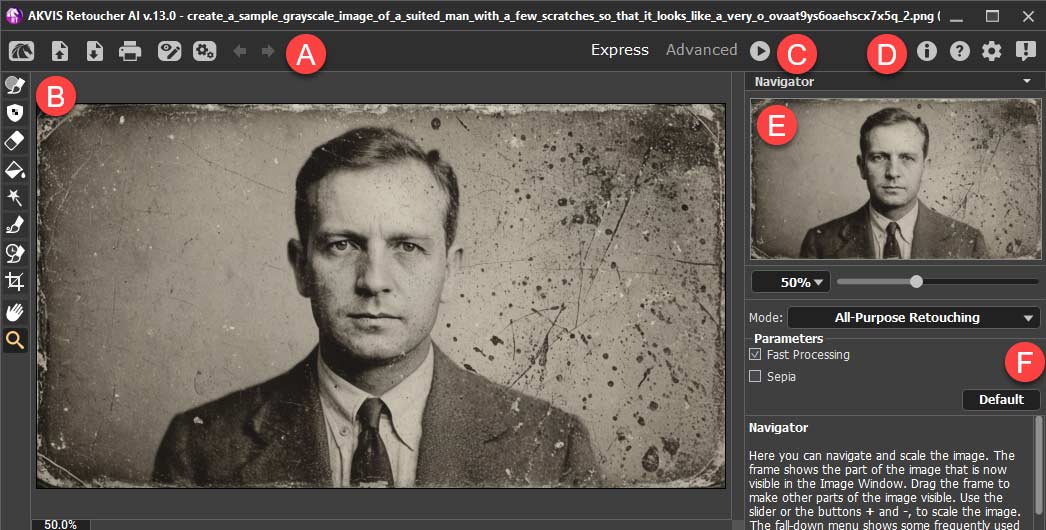
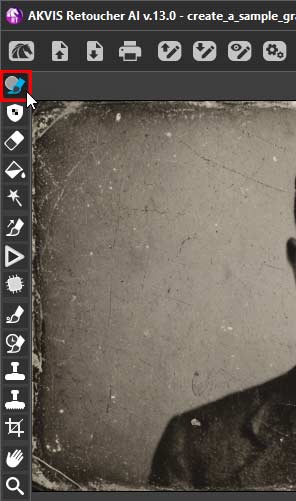
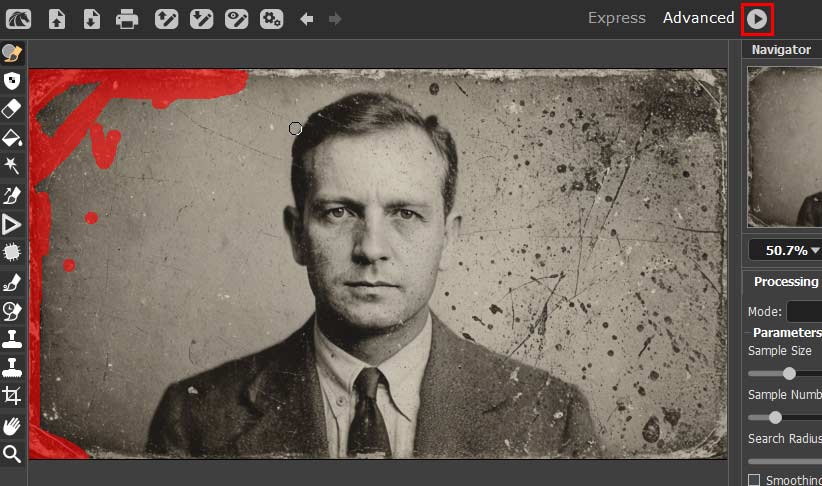
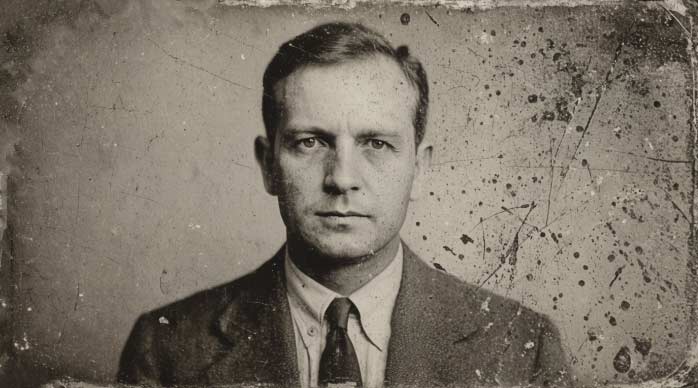
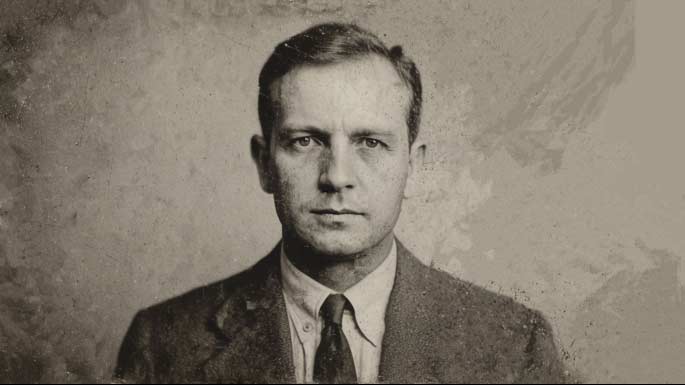
Here are some Before and After samples created using AKVIS Retoucher AI 13:

Photoshop Versions: Photoshop CS-CS6, CC, CC 2014 and above, Elements v.1-14, etc. More information can be found on the AKVIS Compatibility page.
Platforms: Windows, Mac, Linux
Site: AKVIS
Price: USD $87 and above
Trial Version: Available
You May Also Like: Can You Send Me the Deck? | Hide Logos with Logo Toggle in PowerPoint


Microsoft and the Office logo are trademarks or registered trademarks of Microsoft Corporation in the United States and/or other countries.
