
This is the print version of this page. All content is copyright Indezine.com 2000-2026.
Learn how to ungroup a table in PowerPoint 2003 for Windows. Ungrouping can help if you want to animate a table, or if you want to format your table content differently.
Author: Geetesh Bajaj
Product/Version: PowerPoint 2003 for Windows
OS: Microsoft Windows XP and higher
Tables can be animated within PowerPoint, but either the entire table can be animated or nothing! Yes, that's a case of extremes—either you have it all or don't have it. To get over this problem, the workaround is to ungroup the table so that your table gets converted to a collection of shapes. Then, you can animate every individual shape as you want.
Be aware that ungrouping will also get you lots of line segments that are extras. So, do some housekeeping before and after ungrouping your table.
If you are using PowerPoint 2007 for Windows or a later version, look at our Ungroup Tables in PowerPoint 2007 tutorial. If you are using PowerPoint 2003 for Windows or a previous version, follow these steps:
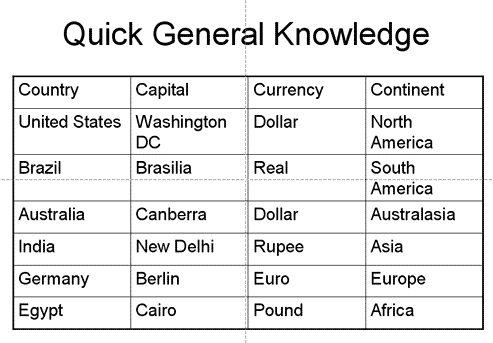

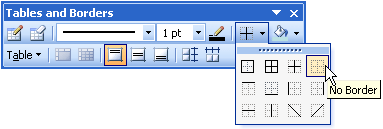
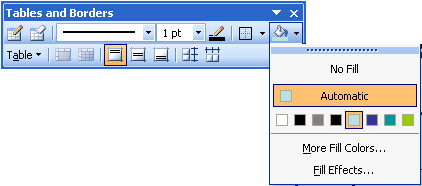
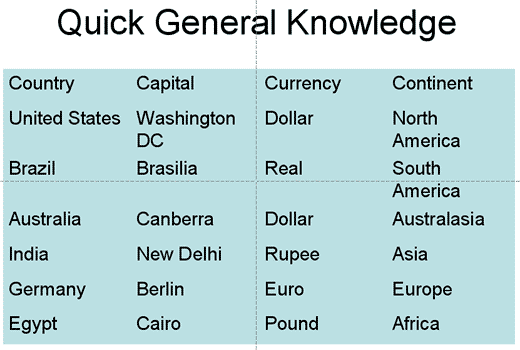

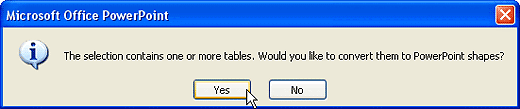
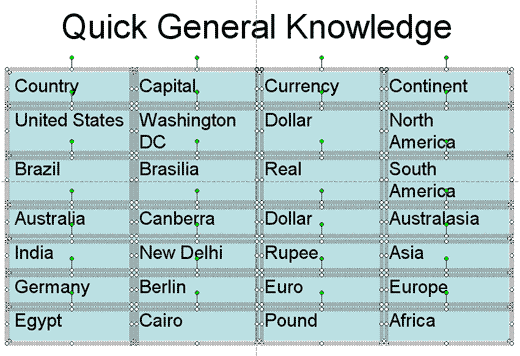
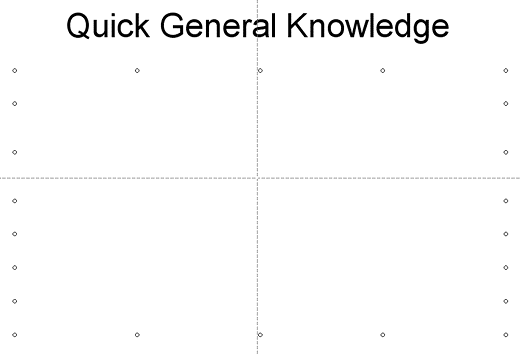
At this point of time, you can format these individual shapes with fills, lines, and effects, and also animate them individually or in groups as required.
See Also:
Advanced Table Techniques: Ungroup a Table in PowerPoint (Glossary Page)
Ungroup a Table in PowerPoint 2013 for Windows
Ungroup a Table in PowerPoint 2007 for Windows
You May Also Like: Keyboard Shortcuts in PowerPoint 2003 for Windows | Presentation Industry Standards: Conversation with Simon Morton


Microsoft and the Office logo are trademarks or registered trademarks of Microsoft Corporation in the United States and/or other countries.
