
This is the print version of this page. All content is copyright Indezine.com 2000-2026.
Learn how to add various services in PowerPoint 365 for Windows. Among other benefits, these services let you add cloud storage locations to PowerPoint and other Microsoft Office applications.
Author: Geetesh Bajaj
Product/Version: PowerPoint 365 for Windows
OS: Microsoft Windows 10 and higher
Microsoft 365 applications work well with cloud platforms such as OneDrive. Roaming capabilities are enabled when you log into your Microsoft account within Office applications such as PowerPoint. Once logged in, all your settings, including your recent files or templates, will be synced across all your devices, including laptops, tablets, and even smartphones.
The process explained in this tutorial works the same way in Word, Excel, and other Office programs. Also, once you follow the process within any one Office program, the services are linked for all programs, and even for your Microsoft account.
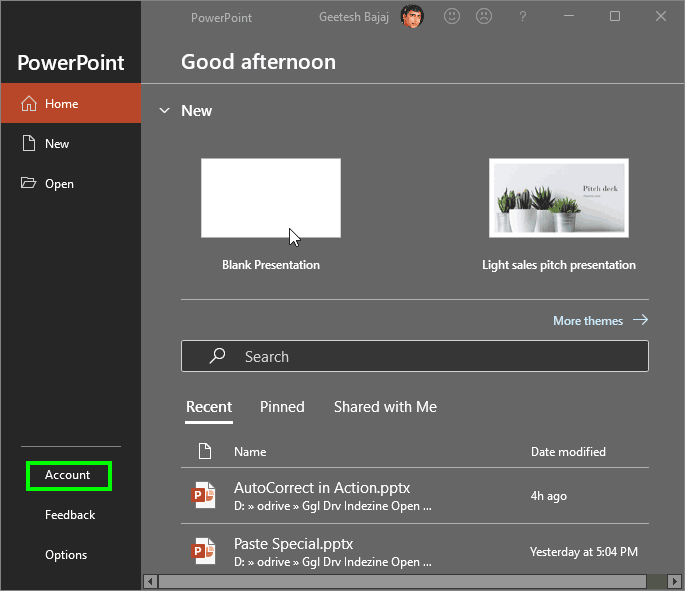
Follow these steps to add these services from within PowerPoint 365 for Windows:
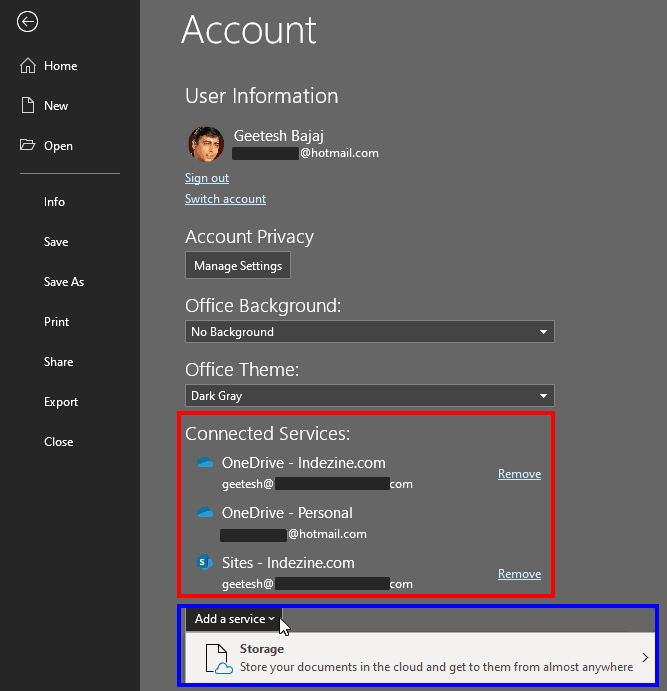
This option lets you store your documents and files in the cloud so that you can access them from anywhere. When this option is selected it brings up a sub-menu, as shown in Figure 3, below. Within the sub-menu, you'll find two online storage sites: OneDrive and OneDrive for Business.

Figure 3: Storage sub-menu
The availability of connected services may differ. Microsoft may add more services in the future or change their availability based on your location.
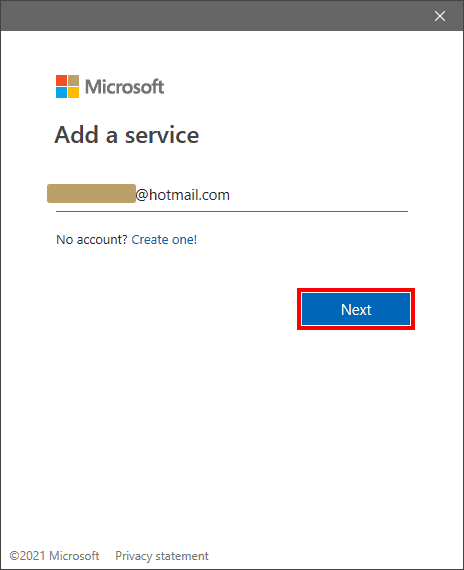
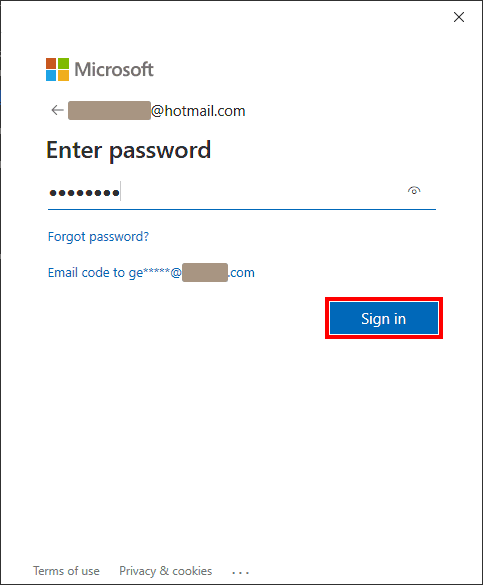
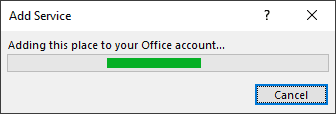
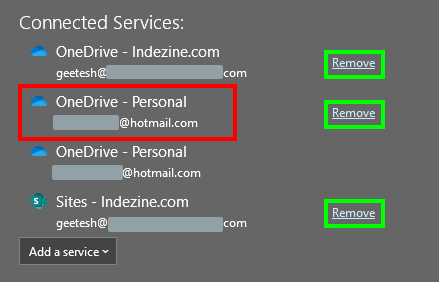
Adding services like OneDrive or SharePoint helps you access your presentations anywhere and share updates instantly—no need to email files back and forth.
Yes. PowerPoint uses your Microsoft account’s authentication and encryption, so your connected services follow the same security standards as your cloud files.
You’ll see a connection error. Re-sign in or remove and re-add the service to restore access.
01 08 20 - File Types, File Menu, and Backstage View: Add Services in PowerPoint (Glossary Page)
Add Services in PowerPoint 2016 for Windows
Add Services in PowerPoint 2016 for Mac
Add Services in PowerPoint 2013 for Windows
You May Also Like: Rituals Roadmap: Conversation with Erica Keswin | Ice Age PowerPoint Templates


Microsoft and the Office logo are trademarks or registered trademarks of Microsoft Corporation in the United States and/or other countries.
