
This is the print version of this page. All content is copyright Indezine.com 2000-2026.
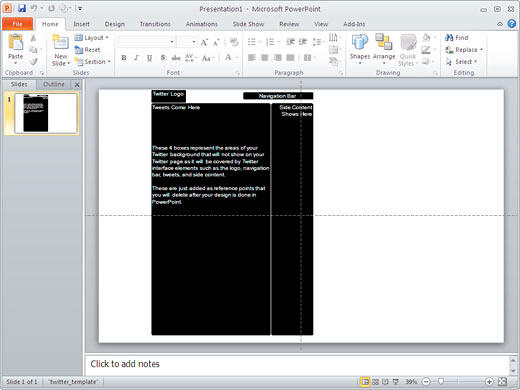
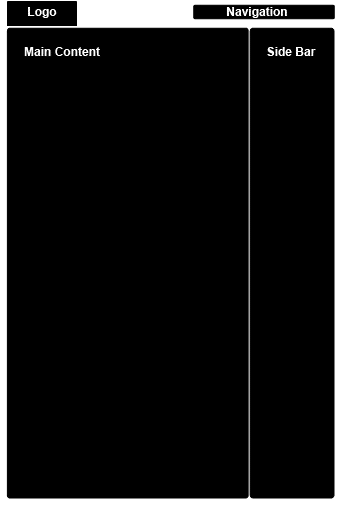
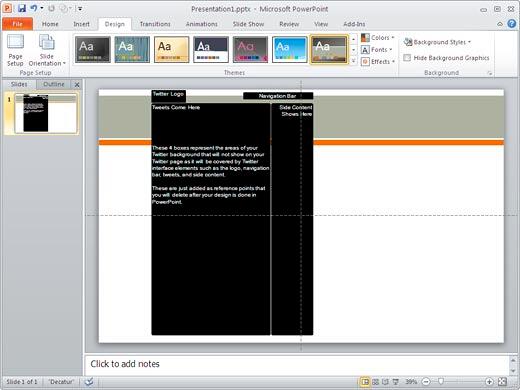
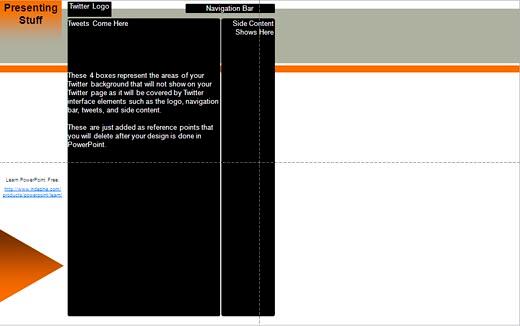
This tutorial shows you how you can create an X (Twitter) background in PowerPoint 2010 for Windows. This is easily achieved with a PowerPoint template.
Author: Geetesh Bajaj
Product/Version: PowerPoint 2010 for Windows
OS: Microsoft Windows XP and higher
Content on this page is not recent and has been retained for historical reasons.
Have you seen the customized Twitter backgrounds that people create to show an identity for their business. The easiest tool to create Twitter backgrounds is actually PowerPoint! Follow these steps to create your own Twitter backgrounds using PowerPoint 2010. We have similar tutorials using PowerPoint 2003 and PowerPoint 2007.
Want more template choices to apply a quick background? Explore around 5000 PowerPoint templates here.

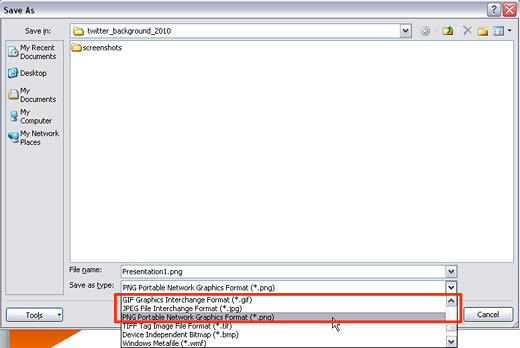
JPG file sizes are the lowest but sometimes GIF's can be even smaller—try saving to all the 3 formats (JPG, GIF, and PNG), and see which works best for you.
04 09 01 - Working with Twitter: Create X (Twitter) Backgrounds Using in PowerPoint (Glossary Page)
Create X (Twitter) Backgrounds Using in PowerPoint 2007 for Windows
Create X (Twitter) Backgrounds Using in PowerPoint 2003 and 2002 for Windows
You May Also Like: Pecha Kucha Questions | Cufflinks PowerPoint Templates


Microsoft and the Office logo are trademarks or registered trademarks of Microsoft Corporation in the United States and/or other countries.
