
This is the print version of this page. All content is copyright Indezine.com 2000-2026.
Learn what you can do when you first run PowerPoint for iOS – iPad. You may want to answer a few questions wisely.
Author: Geetesh Bajaj
Product/Version: PowerPoint for iOS – iPad
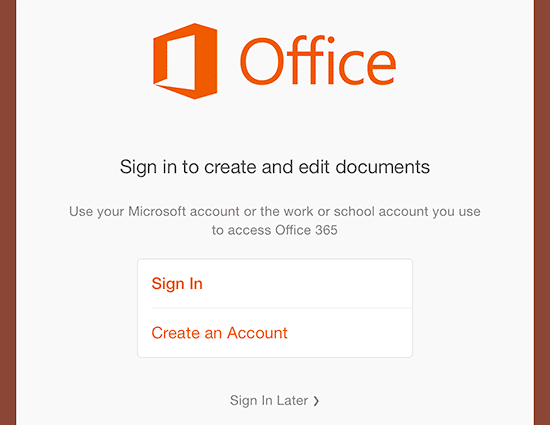
After you install PowerPoint for iPad, the next thing you want to do is run it! However, running the program for the first time is a little different and requires that you understand about creating an account, signing in, etc. And yes, you can still use the program without signing in. But in the long run, if you want to use PowerPoint to its optimum, then you must make yourself familiar with these tasks.
Follow these steps to learn more:
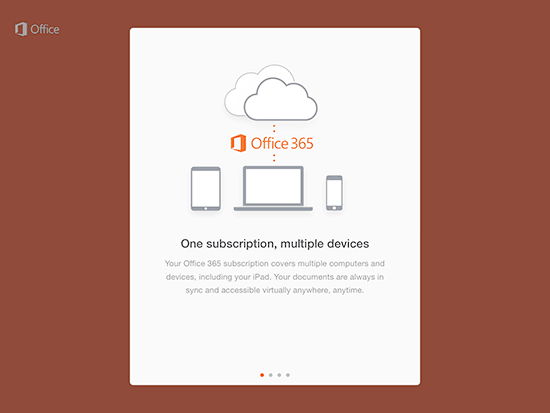
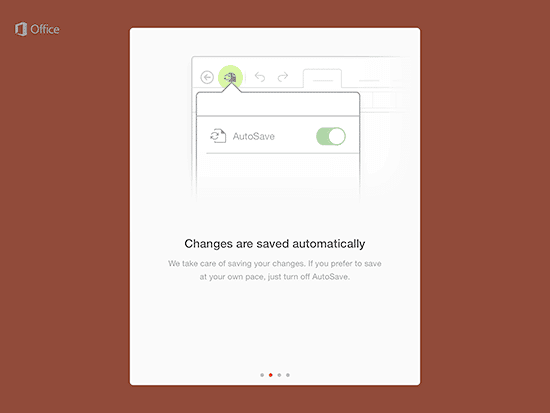
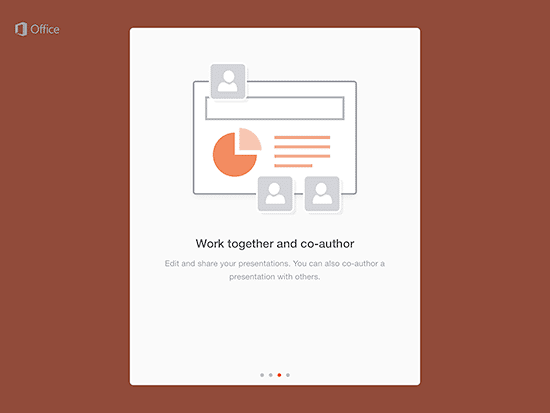
Getting started with Microsoft PowerPoint is easy - you just need to know where to begin. Explore all the basics of using PowerPoint, from opening the program to adding your first slide. Even before you do so, you may need to do some housekeeping.
The 5/5/5 Rule is pretty straightforward, when you're making slides for your presentation, limit yourself to 5 words per line, 5 lines of text per slide, and 5 slides that follow the first two rules in succession. This rule is a great way to keep your presentations concise and focused, without overwhelming your audience with too much information at once, especially if you have limited experience in presentation creation.
If you want to create an engaging and memorable presentation for your business, PowerPoint is a great place to start. With a little bit of know-how, you can use PowerPoint to create amazing presentations that really stand out. Let us explore the basics of how to use PowerPoint for the first time to create killer presentations for your business.
01 02 04 - Buying and Installing PowerPoint: Running for the First Time on in PowerPoint (Glossary Page)
You May Also Like: INSCALE’s PowerPoint Showcase | Luxembourg Flags and Maps PowerPoint Templates



Microsoft and the Office logo are trademarks or registered trademarks of Microsoft Corporation in the United States and/or other countries.
