
This is the print version of this page. All content is copyright Indezine.com 2000-2026.
Read the Indezine review of Adobe Presenter 7, Page 1 of 2.
Author: Geetesh Bajaj
Product/Version: PowerPoint
Introduction
About Adobe Presenter 7
Download and Installation
Using Adobe Presenter 7 - Part I
Adobe Presenter 7 is a PowerPoint add-in that allows you to create high-impact Adobe Flash presentations and eLearning courses from PowerPoint. In addition, you can also create high fidelity PDFs using this add-in. You can add narration, edit audio, add multimedia capture video, animations, interactivity, quizzes, surveys, and software simulations to eLearning courses created using Adobe Presenter, all inside PowerPoint. Output can be customized as presentations published to Flash, PDF or Adobe Connect Server.
Adobe Presenter 7 is available as a standalone product, or as part of the Adobe eLearning Suite.
BackAdobe Presenter 7 is from Adobe, a San Jose, California, USA (corporate headquarters) based company that also creates well known programs like Photoshop, Flash, Illustrator, Dreamweaver, etc. You can learn more about Adobe Presenter (part of the Adobe eLearning Suite) and download a free trial version from their site.
Here is the list of key features in Adobe Presenter 7:
You can download the installer from the site link provided earlier in this review. Run the setup routine and follow the instructions. Once installed, you can access
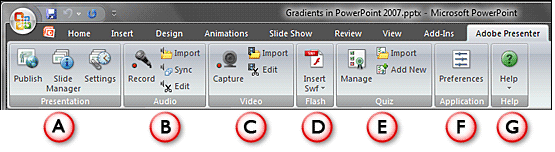
Adobe Presenter 7 from a new Ribbon tab within PowerPoint 2007, as shown in Figure 1.

Figure 1: Adobe Presenter Ribbon tab within PowerPoint
For users of previous versions of PowerPoint, you'll find a new Adobe Presenter menu that provides the same options.
For the first time when the application is launched, you will be asked to activate the product, or use it in trial mode (“Activate Later”).
BackFollow these steps to get started with Adobe Presenter 7:
This group has three options:
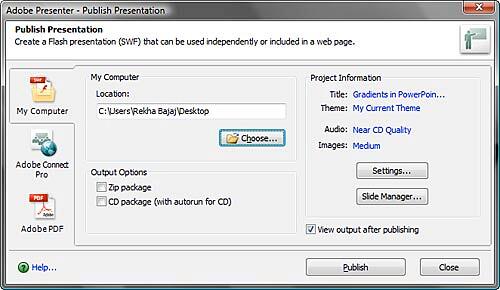
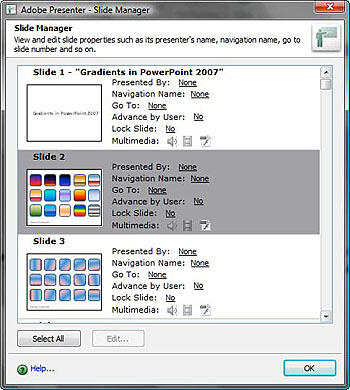
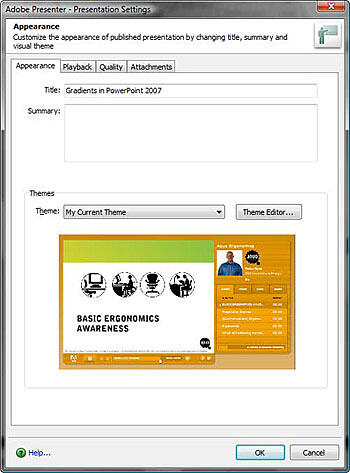
This group provides four options:
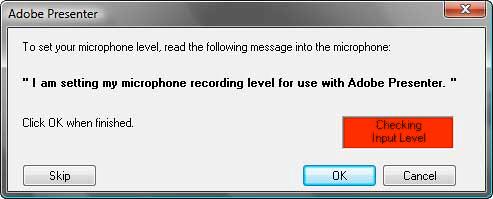
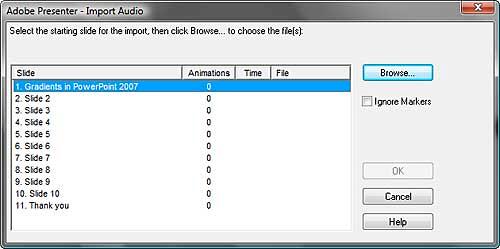

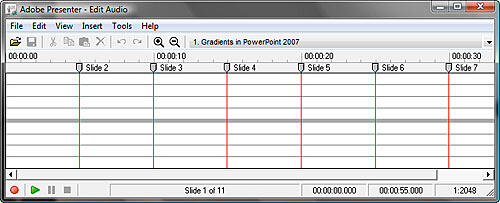
This group has three options:
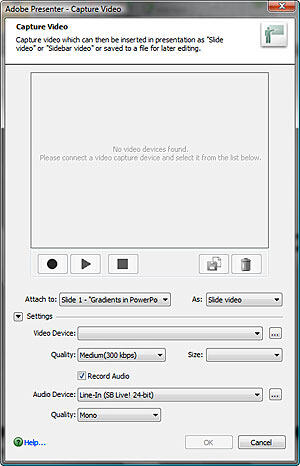
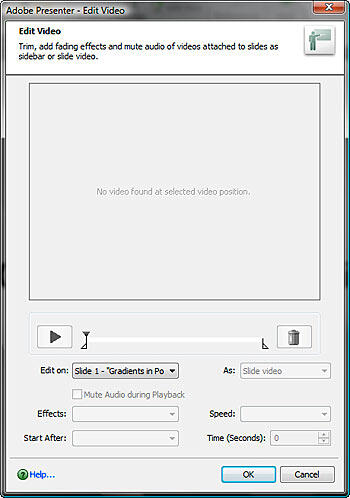
We look at the other groups in the next page
You May Also Like: Thailand Provinces: Maps 01 PowerPoint Templates | Articulate Quizmaker '09



Microsoft and the Office logo are trademarks or registered trademarks of Microsoft Corporation in the United States and/or other countries.
