
This is the print version of this page. All content is copyright Indezine.com 2000-2026.
Explore effects in Andrew's Plug-ins series 05 for Photoshop.
Author: Geetesh Bajaj
Product/Version: PowerPoint
This is a preview of Series 05 of Andrew's Plug-ins from Graphicxtras. For more previews, explore the links from the Andrew's Plugins index page.
Series 05 is called Photograiny and generates effects like noise, grain, scratch and texture.
This page of preview images shows you the default effects as they are without any tweaking of the sliders. Also, I'm keeping the text narrative to a minimum -- let the pictures speak for themselves.
This original image was sourced from Indezine Photos.
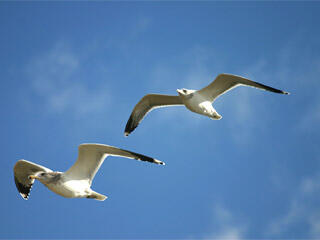
Original Picture
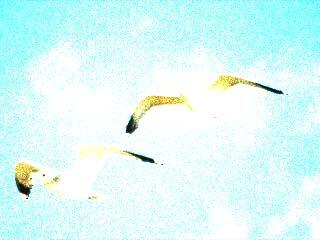
Figure 1: Noise - BasicGrain -- applies noise/grain effect with variations to choose from.
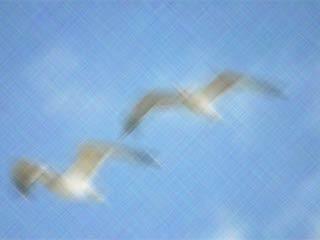
Figure 2: Noise - CrissCross -- applies zigzag, diagonal, random scratches with a smear effect.
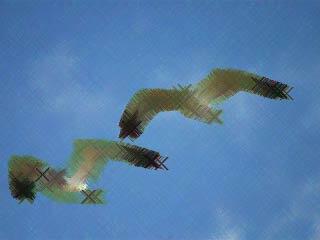
Figure 3: Noise - DarkCity -- applies a dark grained smudged-sketch effect.
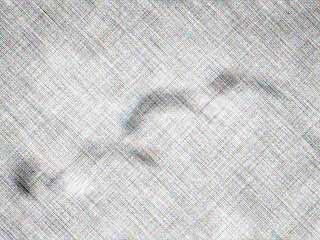
Figure 4: Noise - DarkSmear -- generates a scratched, grainy, grayscale effect with sketchy edges.
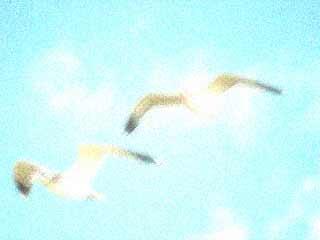
Figure 5: Noise - Diffusion -- applies a shimmering light grain effect.
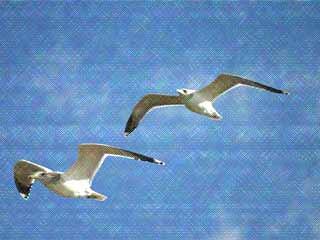
Figure 6: Noise - FaintLine combines effects like noise and texture to image.
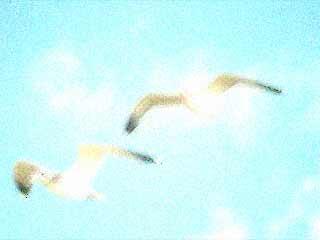
Figure 7: Noise - Fuzzy generates extreme and fuzzy noise effects.
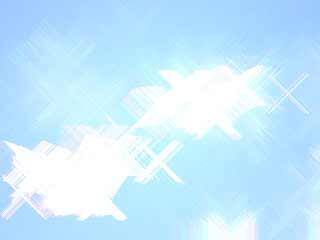
Figure 8: Noise - LightBurst applies bright starlights with shimmery-sketchy effects.

Figure 9: Noise - Phazed provides a fuzzy grainy effect.
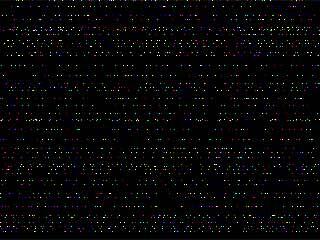
Figure 10: Noise - RandomLines applies noise as random lines, use a blending mode to get good output.
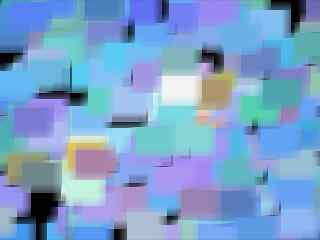
Figure 11: Paint - DarkDays generates cubic abstract smeary blocks.
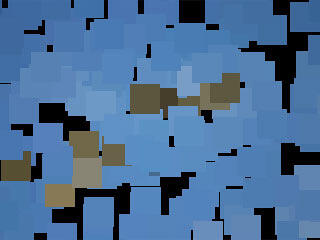
Figure 12: Paint - SquaredPic creates blocks and lines.
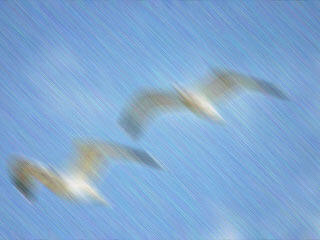
Figure 13: Smear - Campaign -- applies grainy smear effect with lots of variations to choose from.
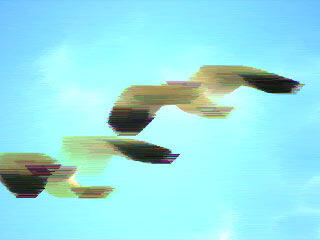
Figure 14: Smear - Chunks generates noisy, painted effects.
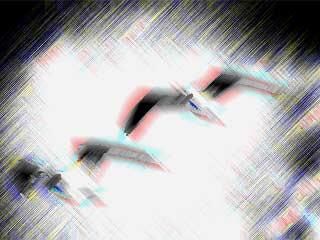
Figure 15: Threshold - CutThrough generates grained, smeared effects with ark cutouts.
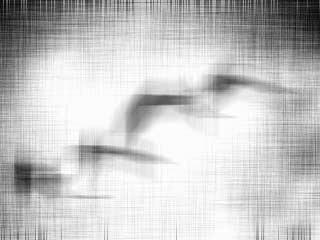
Figure 16: Threshold - Lineup generates black and white overlapping line widths.
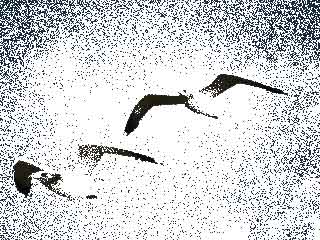
Figure 17: Threshold - Patch applies a grainy-grayscale-dotty-drawing effect.
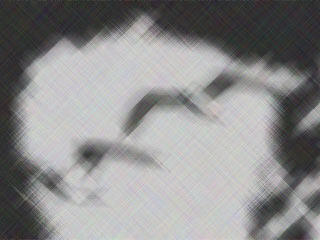
Figure 18: Threshold - Smear applies grainy, smeary effects in grayscale.
As you can see, most of these effects work best when combined over separate layers with blending modes although you could also use one of these all in itself as well.
To download a free demo, or to buy the product ($9), visit the Graphicxtras site.
| Photoshop Versions: | 6+ |
| Platforms: | Windows only |
| Site: | Graphicxtras |
| Price: | US$9 and above |
| Trial Version: | Demo plug-ins available |
You May Also Like: Tips for Using Storytelling in Presentations | Yemen Flags and Maps PowerPoint Templates


Microsoft and the Office logo are trademarks or registered trademarks of Microsoft Corporation in the United States and/or other countries.
