
This is the print version of this page. All content is copyright Indezine.com 2000-2026.
Set all connections in place within your Windows Mobile device. Doing so ensures that you can control your PowerPoint presentation from your Windows Mobile device.
Author: Geetesh Bajaj
Product/Version: PowerPoint
OS: Microsoft Windows XP and higher
Now that you have all the prequisites in place (see: Getting Started with Presentation Companion), you are ready to go ahead and use your Windows Phone (Windows Mobile) to control your presentation in the same way as a regular PowerPoint remote device. Follow these steps to get this working:
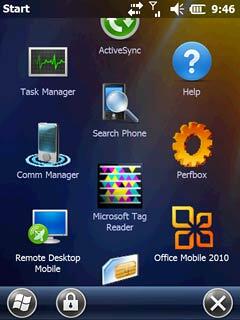
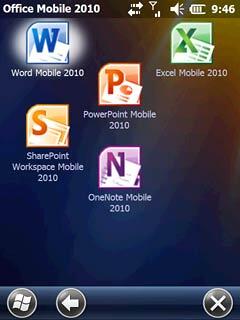
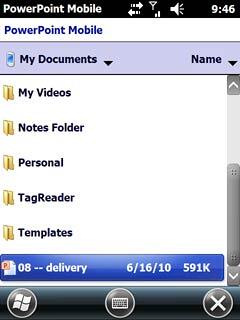
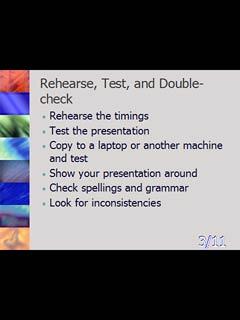
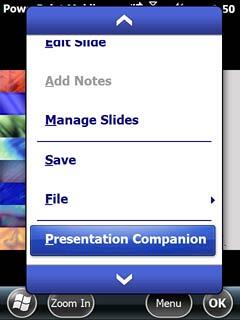
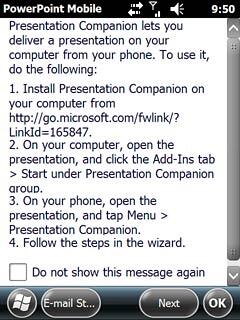
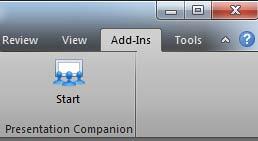


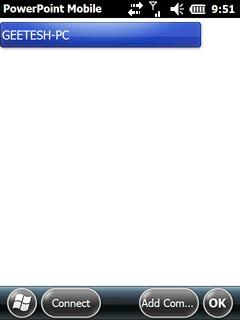
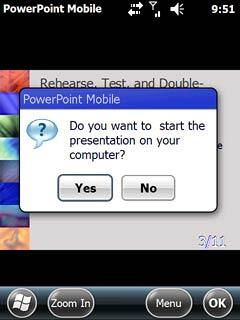
We'll cover how you actually use Presentation Companion in this subsequent tutorial.
You May Also Like: Baby Shower PowerPoint Templates | Five Stars: The Communication Secrets to Get from Good to Great: Conversation with Carmine Gallo


Microsoft and the Office logo are trademarks or registered trademarks of Microsoft Corporation in the United States and/or other countries.
