
This is the print version of this page. All content is copyright Indezine.com 2000-2026.
Explore effects in Andrew's Plug-ins series 11 for Photoshop.
Author: Geetesh Bajaj
Product/Version: PowerPoint
This is a preview of Series 11 of Andrew's Plug-ins from Graphicxtras. For more previews, explore the links from the Andrew's Plugins index page.
Series 11 is GXBlurry -- the plug-ins in this series generate stunning blurry, smear, and gradient effects.
This page of preview images shows you the default effects as they are without any tweaking of the sliders. Also, I'm keeping the text narrative to a minimum. Let the pictures speak for themselves.
This original image was sourced from Indezine Photos.

Original Picture

Figure 1: Blur - MinMaxCross generates zig-zag blur and smudge effect.
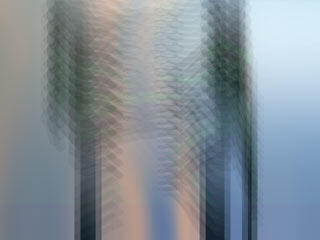
Figure 2: Blur - ShiftZag applies diagonal, blur effects.
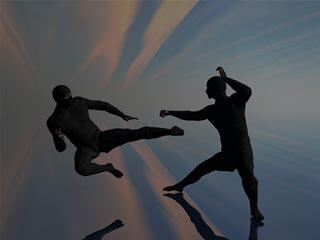
Figure 3: Gradient - BlendCombo applies gradient with variations of blending modes.
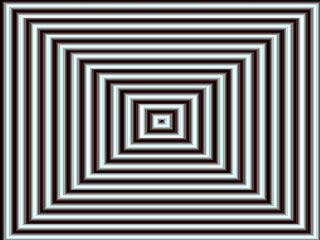
Figure 4: Gradient - Pyramid generated wide range of pyramid patterns. Use blending modes to get some great effects.
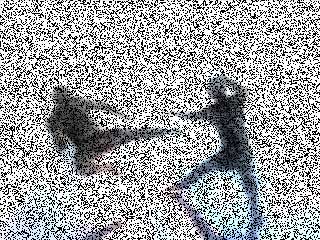
Figure 5: Noise - Grainy - applies a dark grainy effect.

Figure 6: Utility - Colorize applies color overlay on the image.

Figure 7: Utility - Intensity brightens/darkens the image.
As you can see, most of these effects work best when combined over separate layers with blending modes although you could also use one of these all in itself as well.
To download a free demo, or to buy the product ($9), visit the Graphicxtras site.
| Photoshop Versions: | 6+ |
| Platforms: | Windows only |
| Site: | Graphicxtras |
| Price: | US$9 and above |
| Trial Version: | Demo plug-ins available |
You May Also Like: Improve Your Delegating With These Tips | Fighter Planes PowerPoint Templates

Microsoft and the Office logo are trademarks or registered trademarks of Microsoft Corporation in the United States and/or other countries.
