
This is the print version of this page. All content is copyright Indezine.com 2000-2026.
Learn how to create polished business videos using simple tools like PowerPoint and Clipify—no big budget or editing skills required.
Author: Barrera Alcova
These days, video isn’t just an optional marketing extra—it’s a core part of how businesses communicate. Whether you’re introducing a new product, onboarding team members, or breaking down a complex service, video helps you say more, say it clearly, and actually get people to listen.
And yet, a surprising number of businesses hold back. There’s this assumption that video production means big-budget gear, advanced software, and hours spent hunched over a timeline. But the reality? Creating high-quality video content has never been more achievable—even with basic tools like PowerPoint or user-friendly editors like Clipify available at https://clipify.net/.
In this guide, we’ll walk through how to build compelling, polished videos using simple, accessible tools—and how even a bit of editing can take your message from “just okay” to something worth watching.

Image: Freepik
Before diving into the tools, let’s take a quick step back.
Why video? Because it just works.
It’s flexible. You can use it for almost anything—product demonstrations, internal updates, staff training, testimonials, social media content. The list goes on.
But more than that, video captures attention. It adds emotion. It helps explain things clearly, visually, and fast. A 60-second clip, when done right, can often do the job of several pages of text—and do it better.
The format you choose should depend on two things: who you’re speaking to and what you’re trying to achieve.
Once you’ve nailed down the goal, it’s much easier to decide how to structure the content—and which tool will help you get there.
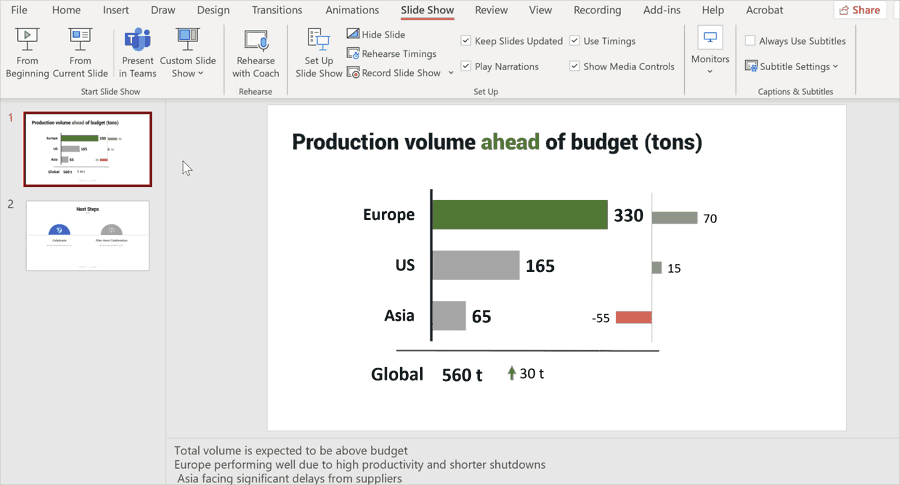
PowerPoint might not be the first thing that comes to mind for video creation—but maybe it should be. If you already have a well-made slide deck, you’re halfway to creating a professional video.
Here’s why PowerPoint works:
And there you go. A professional-looking video you can post, share, embed—wherever you need it.
Now, if you’re working with video clips instead of slides—or just want more creative freedom—Clipify is a solid alternative. It’s lightweight, intuitive, and designed for beginners, but with enough features to get a polished, professional result.
From training videos to product overviews and quick social media ads, Clipify lets you stitch together your content without needing a degree in video production.
Whether you're creating a staff update, an onboarding video, or a social media promo, Clipify gives you enough control to do it well, without overwhelming you with features you don’t need.
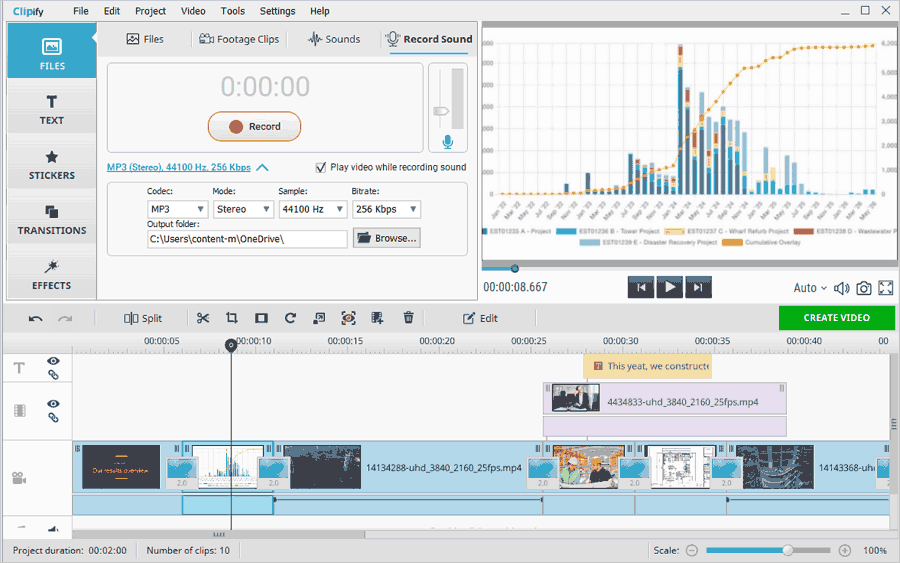
You don’t need to get fancy with graphics or complex animations. A few basic edits go a long way in making your video more watchable—and more effective.
Here’s what makes a difference:
Editing also lets you trim the fat—cutting out awkward pauses or unnecessary repetition. It helps keep the focus where it should be: on your message.
No matter which platform you choose, a few best practices apply:
Making quality video content for your business doesn’t have to mean outsourcing to a production company or learning complex editing software. Tools like PowerPoint and Clipify make it easier than ever to create videos that look good, sound professional, and connect with your audience.
So whether you’re explaining a product, training your team, or pitching to a client—start simple, stay clear, and use the tools at your fingertips. The bar for video is high, but with the right approach, it’s one you can reach—and even exceed.
Your next standout business video? You’re probably closer to it than you think.




Microsoft and the Office logo are trademarks or registered trademarks of Microsoft Corporation in the United States and/or other countries.
