|
|
|
| |
| April 14, 2026 |
| PowerPoint and Presenting News |
|
| Streamlined Slides, Stronger Branding |
| |
| |
| In this issue, we explore how efficiency, automation, and visual consistency come together to elevate everyday presentation workflows. We begin with simple yet powerful techniques like duplicating slides—small actions that can significantly speed up creation and experimentation within your deck. From there, we
look at innovations such as ToolsToo 12.1, where automation reduces repetitive tasks and allows you to focus on thinking rather than clicking. Finally, we turn to creating color-coordinated, branded slides using PresenterMedia, ensuring that every presentation not only works efficiently but also looks cohesive and professional. Together, these ideas show that great presentations emerge when smart processes meet consistent design. |
| |
|
| Create Color-Coordinated Branded Slides in PresenterMedia |
| |
 |
| |
| From PresenterMedia, you can add specialized, pre-designed slide layouts found within their AI Presentation Maker and Presentation Builder tools. They are designed to solve the “blank slide” problem by providing professional compositions that automatically integrate graphics and AI-generated text. However, you do not have to start by using any of
these tools, and can get started with a simple clipart search, and evolve further from there onwards. In this feature, you will learn to create branded, color coordinated PresenterMedia slides by importing PowerPoint theme colors. You will then customize presets, and export polished PPTX files. |
| |
| Learn more here |
|
| View Recordings from the Presentation Design Conference 2026 |
| |
|
| |
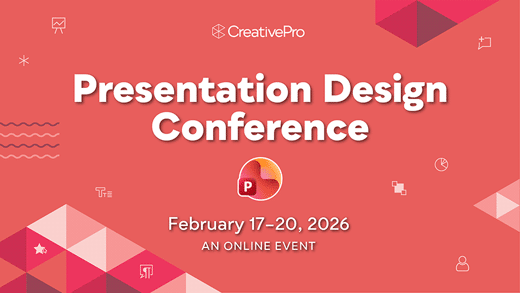
If you did not join the 6th annual Presentation Design Conference online from February 17–20, 2026, you can still view recordings from sessions intended for anyone who creates, designs, or delivers presentations.
You can now get $100 off the regular price of the multi-day pass by using the promo code:
INDEZINE |
| |
|
|
| |
| Register now to view sessions and Q&A recordings! |
|
| Duplicate Slides in PowerPoint 365 for Windows |
| |
 |
| |
| Duplicating slides in PowerPoint 365 for Windows is a simple yet powerful technique that can dramatically speed up your workflow. Whether you're building a presentation from a consistent template, reusing layouts, or experimenting with variations of a design, duplication helps you work smarter with minimal effort. This guide walks you through the
different ways to duplicate slides: using right click menus, keyboard shortcuts, and the Ribbon, so you can choose the method that fits your style. Mastering this small skill can make a big difference in how efficiently you create, refine, and deliver your presentations. |
| |
| Learn quick methods to duplicate slides in PowerPoint 365 for Windows |
|
| Quotes |
| |
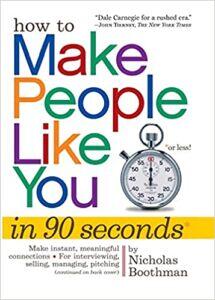
Magazine ads have less than two seconds: by Nicholas Boothman
"I knew from 25 years of shooting still photographs for magazines all over the world that attitude and body language are paramount in creating a strong visual impression—magazine ads have less than two seconds to capture the reader’s attention."
|
|
|
|
| ToolsToo 12.1: Conversation with Gil Segal |
| |
 |
| |
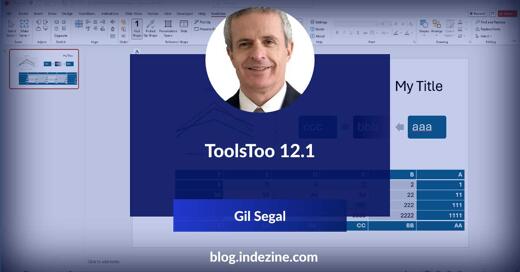
| Gil Segal is the creator of ToolsToo Pro for PowerPoint and an expert technologist with a deep understanding of a wide range of architectures, tools, and technologies and their impact. Gil is always on the lookout for ways to automate manual tasks in any software he uses and has been a PowerPoint power-user since the mid 90’s. In
this conversation, Gil discusses the new version 12.1 of ToolsToo Pro for PowerPoint. |
| |
| Read the conversation here |
|
| Indezine PowerPoint Templates |
|
|
|
|
| Medicine and Medical PowerPoint Templates |
|
|
|
|
| Legal and Law PowerPoint Templates |
|
|
|
|
| FreePPT PowerPoint Templates |
|
|
|
|
| Christian PowerPoint Templates |
|
|
|
|
| End Note |
| |
| © Indezine. Please do not reply to this message. |
| |
| Join this list |
| |
| Received this email from a friend? If you would like to receive your own copy, join our mailing list. Go here. |
|
|
| Previous issues |
| |
| Do you want to read older issues of this newsletter? Go here. |
|
|
|
| Privacy Policy |
| |
| We never share your info with anyone. Read our Privacy Policy. |
|
|
| Mail Provider |
| |
| This mailing list is powered by Aweber. |
|
|
|
| Change Subscription |
| |
| If for any reason, you no longer want to receive this newsletter with valuable tips, resources, and information about PowerPoint and presenting stuff, you can unsubscribe by clicking the link at the end of
this email. No hard feelings! |
|
|
|
|
|
|
|