
This is the print version of this page. All content is copyright Indezine.com 2000-2026.
Explore different books on PowerPoint 97 for Windows.
Author: Geetesh Bajaj
Product/Version: PowerPoint
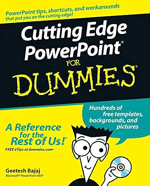
Free! Extracts from my book Cutting Edge PowerPoint for Dummies. Look here.
About the book: Okay, you've PowerPointed before, right? And you knew there must be more cool things you could do? Here they are! This handy guide gives you pointers on what makes a powerful presentation, tips on using the right formats and templates, and directions for dressing up text, wowing 'em with color, adding action, and much more.
Create PowerPoint Presentations in A Weekend
More Info
Creating Cool PowerPoint 97 Presentations
More Info
Using Microsoft PowerPoint 97
More Info
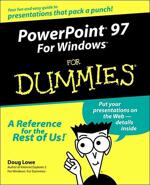
PowerPoint 97 for Windows for Dummies
More Info
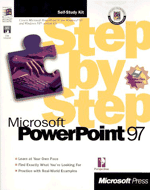
Microsoft PowerPoint 97 Step by Step
More Info
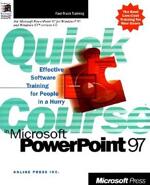
Quick Course in Microsoft PowerPoint 97
More Info
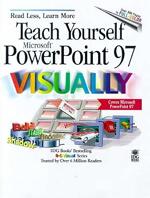
Teach Yourself Microsoft PowerPoint 97 Visually
More Info

Running Microsoft PowerPoint 97
More Info
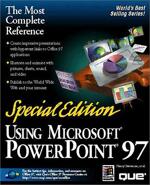
Special Edition Using Microsoft PowerPoint 97
More Info
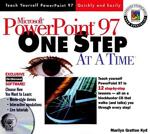
Microsoft PowerPoint 97 One Step at a Time
More Info
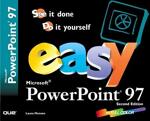
Easy Microsoft Powerpoint 97: See It Done, Do It Yourself
More Info
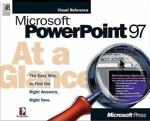
Microsoft PowerPoint 97 at a Glance
More Info
See Also:
PowerPoint for Macintosh Books
PowerPoint 2013 Books
PowerPoint 2010 Books
PowerPoint 2007 Books
PowerPoint 2003 Books
PowerPoint 2002 Books
PowerPoint 2000 Books
You May Also Like: Timeline Slides from PresenterMedia: Conversation with Judd Albrecht | Canada Flags and Maps PowerPoint Templates


Microsoft and the Office logo are trademarks or registered trademarks of Microsoft Corporation in the United States and/or other countries.
