
This is the print version of this page. All content is copyright Indezine.com 2000-2026.
Explore effects in Andrew's Plug-ins series 02 for Photoshop.
Author: Geetesh Bajaj
Product/Version: PowerPoint
Andrew's Plug-ins from Graphicxtras provide tons of special effects to your images and work with most Photoshop compatible image editors.
In all, there are 19 series of this plug-in available -- most series have multiple plug-in effects. In this ongoing preview series, I explored Series 01 earlier -- now we move to Series 02.
This page of preview images shows you the default effects as they are without any tweaking of the sliders. And as said in the alst preview page, I'm keeping the text narrative to a minimum -- let the pictures speak for themselves.
This original image was sourced from Indezine Photos.
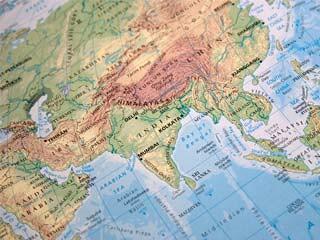
Original Picture
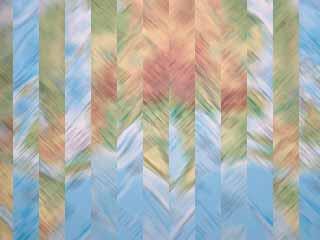
Figure 1: Blur - Bars -- provides variations of distorted, blurred lines.
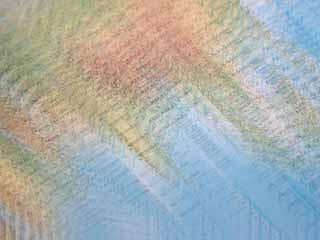
Figure 2: Blur - Blurs -- blurs the image in various directions with different color values.
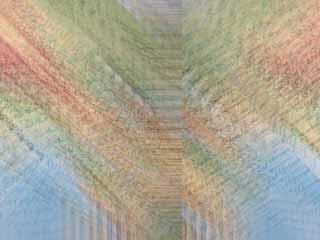
Figure 3: Blur - Mirror -- Mirrors the image with a blurred, distorted effect.
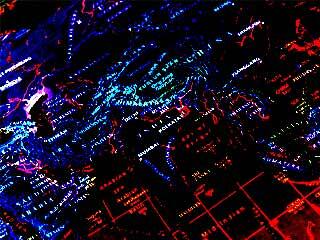
Figure 4: Color - Psych -- Give a very unusual posterized negative effect.
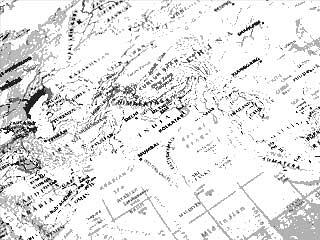
Figure 5: Color - SolarCity adds a monochrome solarized effect.
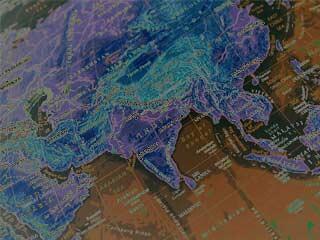
Figure 6: Color - Fire applies a variated, solarization effect.

Figure 7: Distort - Bars splits the image into bars/lines with variations.
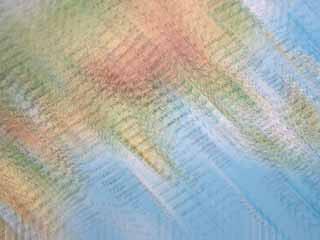
Figure 8: Distort - BlurredWay blurs the image in wave-like directions.
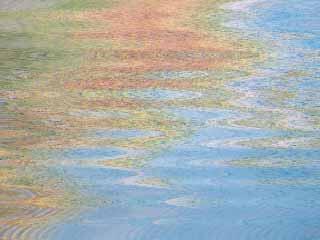
Figure 9: Distort - BlurWave applies another wave-blur variation.
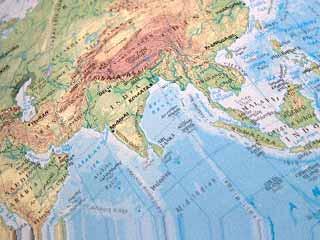
Figure 10: Distort - Gradient1 applies a displacement effect on the image with the use of gradient presets.
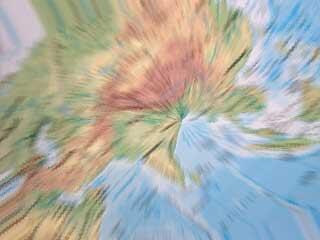
Figure 11: Distort - Rotator applies a variation of twists, turns, radials, and ripples.
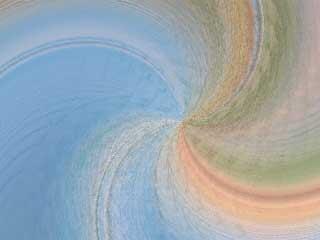
Figure 12: Distort - Twists generates color twists on the image.
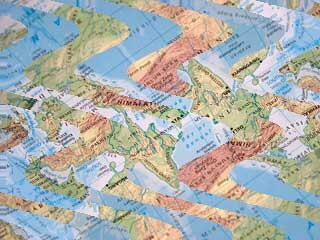
Figure 13: Distort - WavyCity convers the image into a wave, with choice of dozens of wave effects.
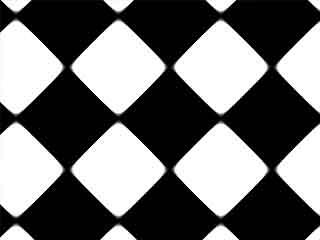
Figure 14: Pattern - ColorOp creates a black and white pattern with effects like drop shadow, emboss etc.
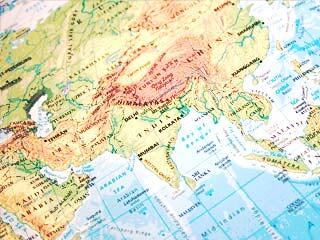
Figure 15: Smear - BrightDays enhances the image in terms of brightness.
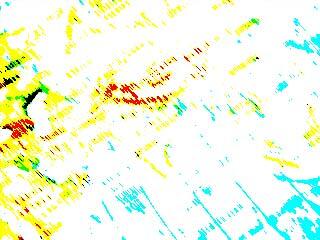
Figure 16: Threshold - Smeared applies a bright, smeary threshold effect.
As you can see, most of these effects work best when combined over separate layers with blending modes although you could also use one of these all in itself as well.
To download a free demo, or to buy the product ($9), visit the Graphicxtras site.
| Photoshop Versions: | 6+ |
| Platforms: | Windows only |
| Site: | Graphicxtras |
| Price: | US$9 and above |
| Trial Version: | Demo plug-ins available |
You May Also Like: Analysis Feature in WeCompress: Conversation with Mike Power | Latin America PowerPoint Templates

Microsoft and the Office logo are trademarks or registered trademarks of Microsoft Corporation in the United States and/or other countries.
